Digital QR menu
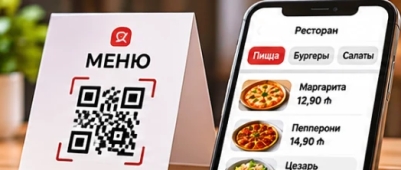
Guests scan a code at the table and your full menu opens on their phone, with photos, prices and descriptions. No app, no printing.

Create a digital menu, share it with a QR code, accept orders and payments.
Give your customers a faster, safer and modern dining experience.
Key benefits that make running your restaurant simpler every day.
Guests scan a code at the table and your full menu opens on their phone, with photos, prices and descriptions. No app, no printing.
Add categories, dishes, variants and extras in a clear editor. Mark allergens, hide what is sold out and reorder with a drag.
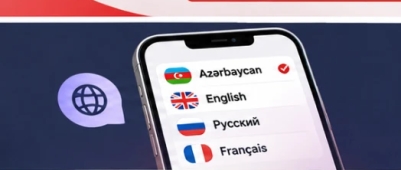
The guest menu and the ordering flow are available in Azerbaijani, English, Russian and French; guests switch language in one tap. Dish texts can be translated as well when multi-language menus are enabled for the installation.
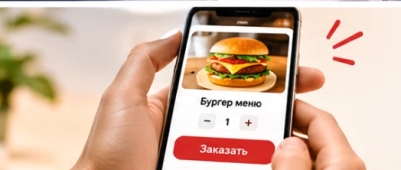
Guests order from the menu for their table or for pickup. Orders reach your dashboard instantly and are paid on the spot or, with a connected payment provider, online.
Upload your logo and cover photo and pick a menu template. The menu carries your brand, not ours.
Change a price, add a special or hide a dish and the menu updates for every guest at once. The QR code never changes.
There are platforms where you can make QR code, but no menu. There are platforms where you can create a menu but not design your QR.
We do both.
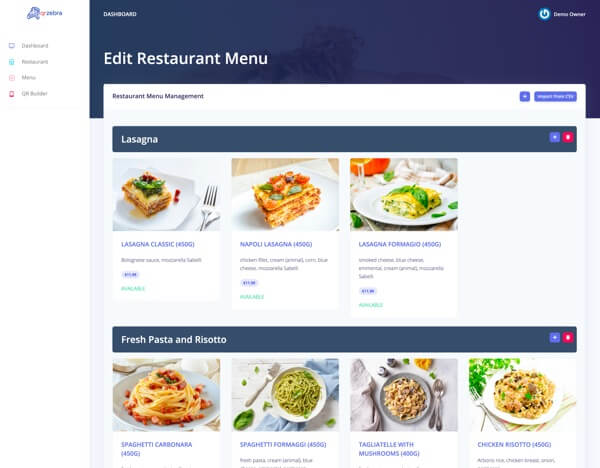
Create your menu directly on our platform. Update anytime. Easy and simple.
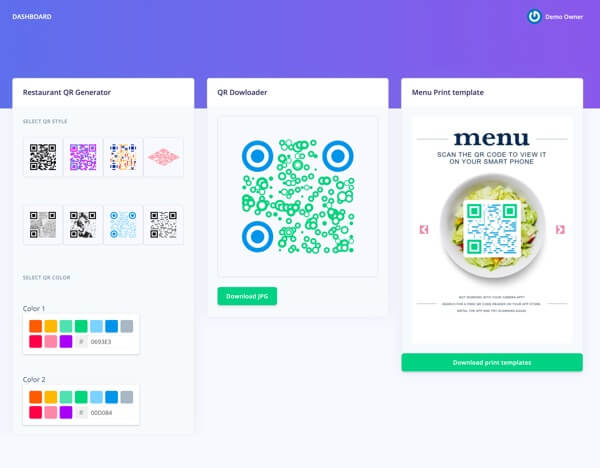
8 different designs. Unlimited color options. Choose QR and Flyer style.
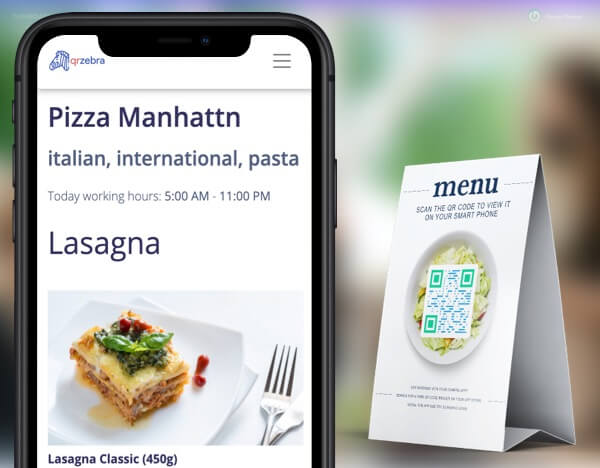
Now your visitors will use their mobile phone camera to access your menu.

Receive orders directly from your restaurant and manage them easily.
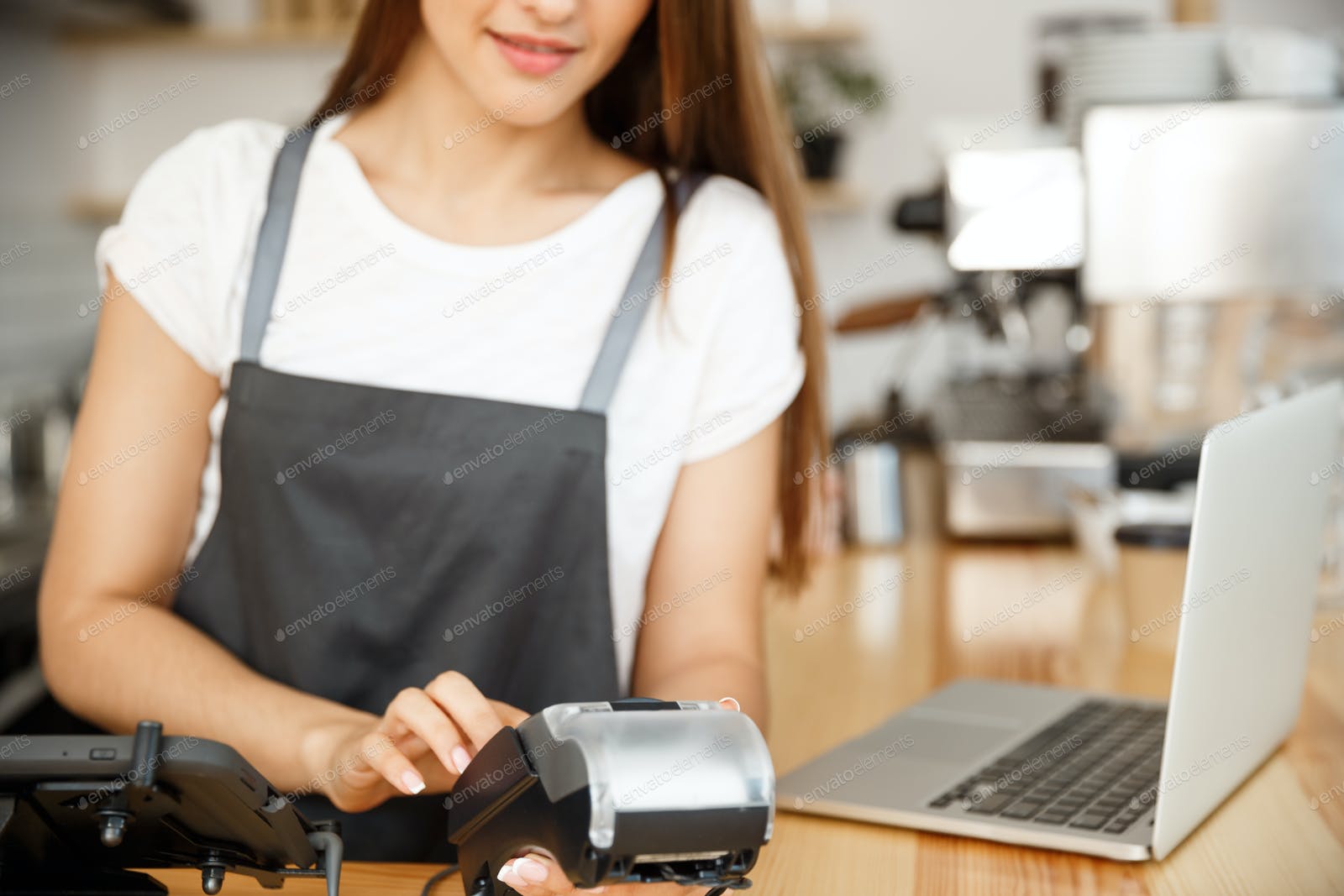
Let customers pay online directly and securely.
Get valuable insights about your orders and customers.
From sign-up to the first order: this is how it works.
Sign up and enter your restaurant name, address and opening hours. Add your logo so the menu looks like yours from day one.
Create a free accountAdd categories and dishes with prices, photos, variants and extras. Translate them if your guests speak several languages.
Download the QR code of your menu, ready to print on table stands, stickers or flyers. One code per table lets guests order from where they sit.
Place the codes on the tables and share the menu link on social media. Guests scan, browse and order; you watch orders arrive in real time.
Start free and upgrade anytime.
If you run a small restaurant or bar, or just need the basics, this plan is great.
For bigger restaurants and bars. Offer a full menu. Limitless plan
Accept orders directly from your customer mobile phone
Practical reasons to move your menu to QR codes.
A QR code is printed once. Every change afterwards happens in the dashboard, so new prices or dishes never mean a new print run.
Change a price, add a seasonal dish or hide what has run out, from a phone or a computer. Guests see the current menu the moment they scan.
Photos, descriptions and allergens for every dish, in the guest’s language, with no app to install. Where ordering is enabled, guests order straight from the table.
Categories, dishes, variants, extras, the QR code and incoming orders live in one dashboard, so your team always works from the same menu.
Answers to the questions we hear most often.
Ideas and guides to help your restaurant grow.
A paper menu is finished the moment it leaves the printer. Prices move, a supplier runs out of an ingredient, a seasonal dish comes and goes...

Guests rarely remember a restaurant for one spectacular moment. They remember how easy the visit felt from the first minute to the last. Mos...

Margins in a restaurant are thin, and most costs are hard to move: rent, wages and ingredients are what they are. The menu is one of the few...
A few years ago, ordering from a phone at a restaurant table felt like a novelty. Today guests expect it in the same way they expect to pay...
Scan the QR code or open the demo to see how it works for your customers.
 Open Demo Menu